Add IDX to Any Website with HTML
The overview for adding live MLS search and listings to any site with an HTML element, custom builds included.
Written by IDX Plugin, an independent IDX Broker Developer Partner, not affiliated with IDX Broker.
On this page
In short
- Live MLS search and listings on any site, custom builds included.
- You decide where the search and the listing cards appear.
- Listings and your widget edits show up without re-pasting code.
- Your platform needs an element that renders code, scripts included.
Adding live MLS listings to your real estate website gives you tools to capture leads through built-in contact forms and registration prompts. And because everything runs on pasted HTML, it works on platforms that have no dedicated guide yet, custom builds included.
The role of IDX Broker and IDX Plugin
IDX Broker handles the core MLS integration. It manages the data feed from your MLS, generates the property search results and detail pages, and hosts all listing data on its servers. It's the engine that powers the property search on your site, ensuring listings are always up to date.
IDX Plugin is an independent IDX Broker Developer Partner. We add widgets you build in your dashboard and paste onto your pages: new types of search forms with smart location autocomplete, combined filters for beds and baths, quick-select buttons, our own listing cards, and a styling layer that keeps them all in one look. You need an IDX Broker account, with the $100 setup fee waived through us, plus a free IDX Plugin account.
Build it in three steps
1. Add a search form
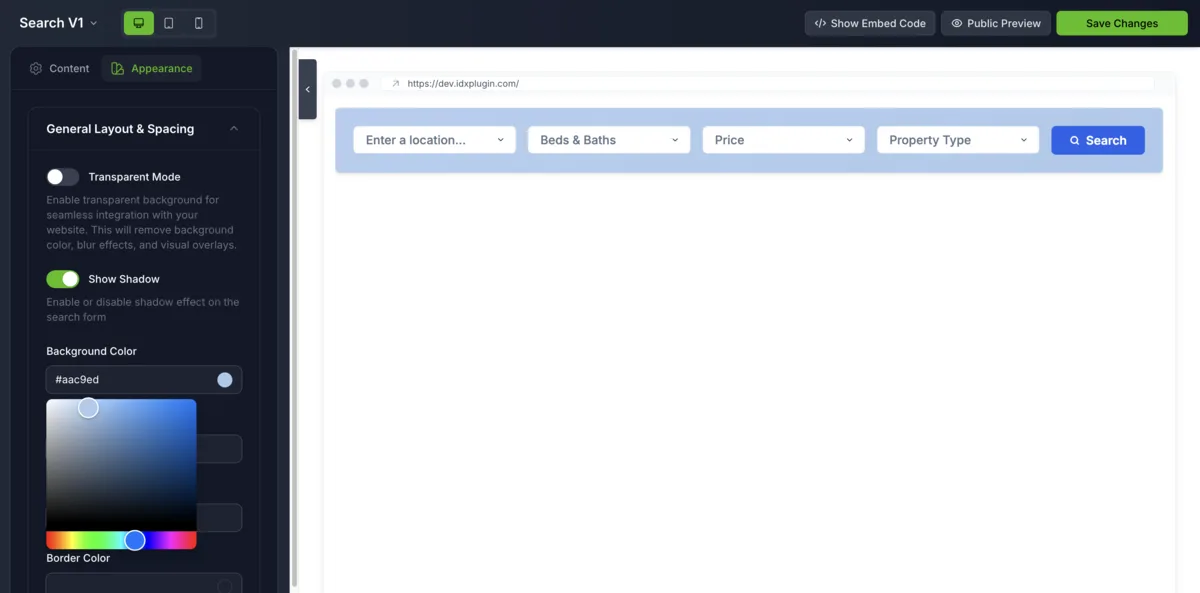
A search form is built in your dashboard and produces one small embed code. It goes into whatever your platform calls its HTML element, and from then on the widget keeps itself current. On some platforms, that element is part of a paid plan. The whole mechanic, with a video, is in Find and Paste Your IDX Embed Codes, and the layouts are covered in Search Forms.
2. Add listing widgets
Listing cards work the same way: build the widget in your dashboard, filter which listings it shows, then paste one code on the page. What the cards can do is covered in Listing Widgets.
3. Take care of the IDX pages
Every search sends visitors to the pages IDX Broker generates: results, single listings, lead forms. The dynamic wrapper puts your header and footer around them, and our templates handle the layout inside, as covered in IDX Pages and the Dynamic Wrapper on Any Website and How Our IDX Broker Templates Work. You can see the whole thing live on our demo site, from the search form through to a property page.
Style everything once
Colors, typography, spacing and effects live in Global Styles. Set them once and every widget and IDX page follows, keeping the whole integration visually consistent with your site. Single widgets can still be fine-tuned on their own.
Have a platform with its own guide?
Using WordPress, Wix, Squarespace or Webflow? Those have dedicated categories in this help center with the exact clicks and screenshots for each editor. Everything on this page still applies, the platform guides just save you the guessing. On any other platform, this category is your home, and if you get stuck, write to us and we walk it through with you.
Ready to get started?
Create a free IDX Plugin account and add live MLS search and listings to the website you already have. If your platform isn't covered by a dedicated guide, write to us and we'll walk you through it.
Get Started, it's free You only pay IDX Broker. The $100 setup fee is waived through us.