IDX Plugin for WordPress
Add live MLS listings, search and lead capture to the WordPress site you already have, whatever theme or builder it uses.
Written by IDX Plugin, an independent IDX Broker Developer Partner, not affiliated with IDX Broker.
On this page
In short
- Live listings and search on your WordPress site, no plugin needed.
- Any WordPress page can carry a search form or listing cards.
- Redesign or switch builders later, the IDX setup keeps working.
- IDX Broker serves the data, so the weight stays off your site.
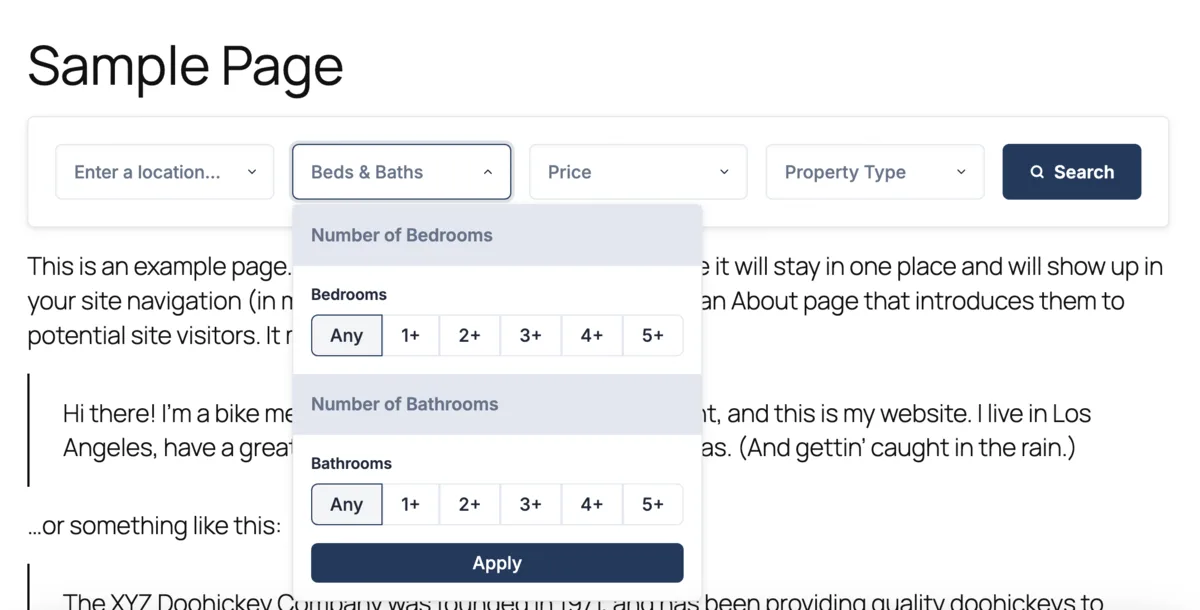
A site with live listings, fast search, large images and lead capture sounds like a custom build. On WordPress it is not. Two accounts and a few blocks of code are enough.
How it works
The IDX Plugin does not install anything inside WordPress. You build a widget in your IDX Plugin dashboard, copy the code it gives you and paste it into any page or sidebar. Everything renders from your IDX Broker account, so there is no syncing and no manual updating.
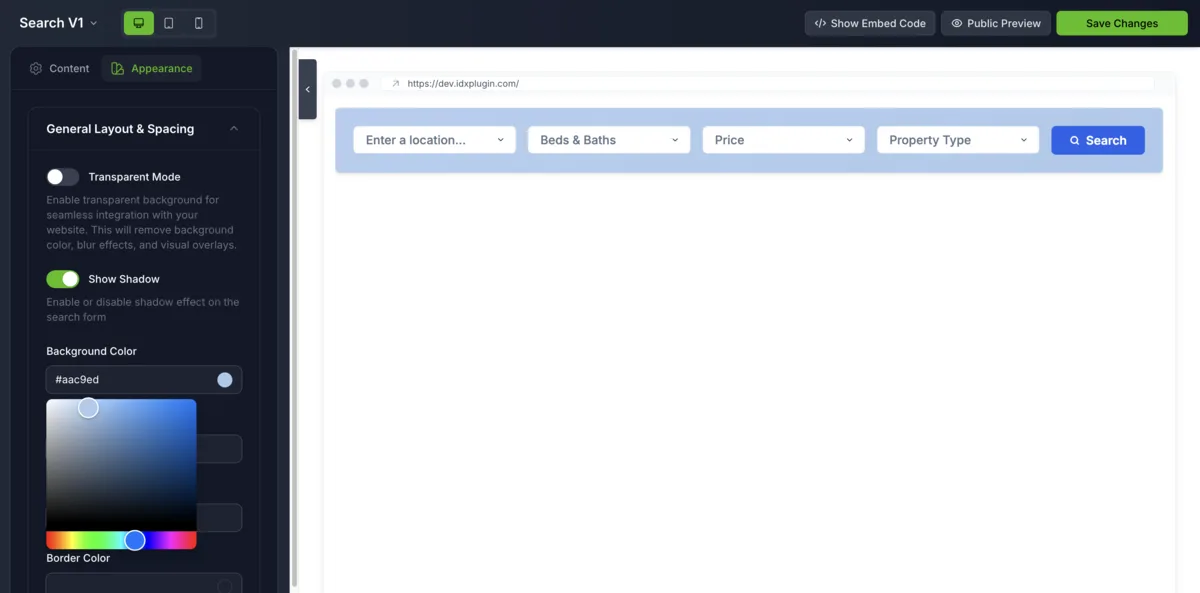
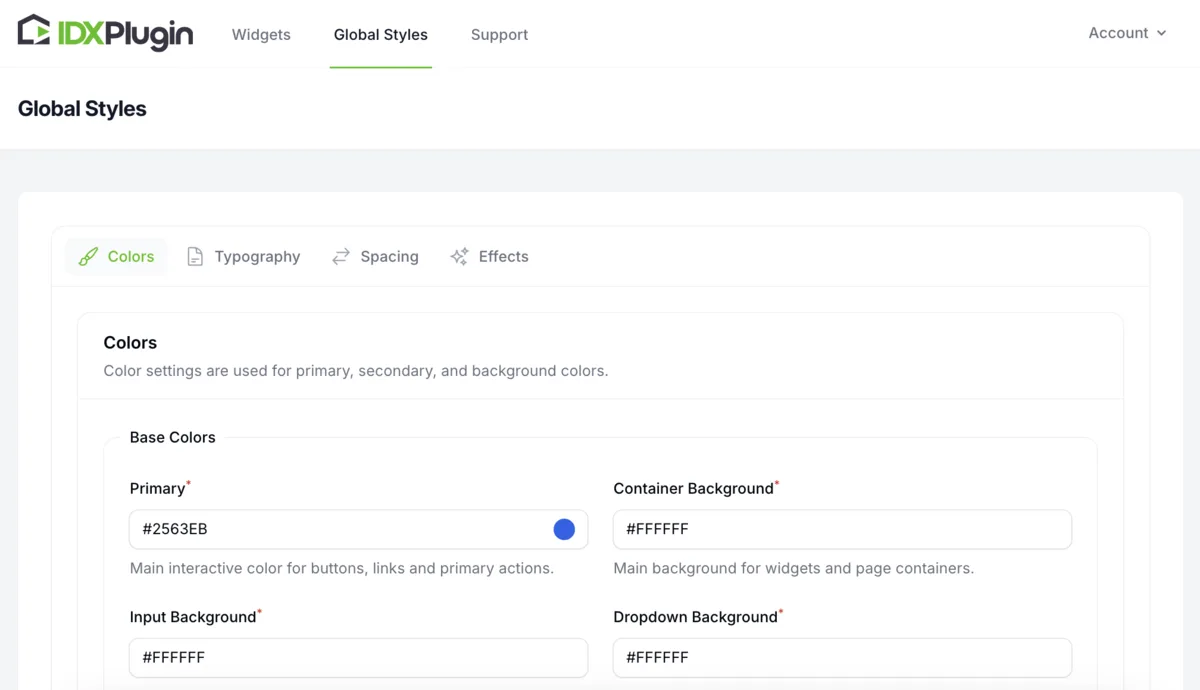
Colors, fonts and spacing come from your Global Styles, so search forms and property cards match the rest of your site.
Where the code goes in your builder
| Builder | Element you use |
|---|---|
| Gutenberg | Custom HTML block |
| Elementor | HTML widget |
| Divi | Code module |
| Beaver Builder | HTML module |
| WPBakery | An element that renders custom HTML code |
| Brizy, SiteOrigin, Thrive Architect, Oxygen, Themify | An element that renders custom HTML code |
If your builder can add custom code, it works. Nothing here is tied to a single theme or plugin, so you can redesign the site, switch builders or move to another platform later. The IDX page URLs survive that move, because those pages come from your IDX Broker account and we only style them.
Put your own layout on the IDX pages
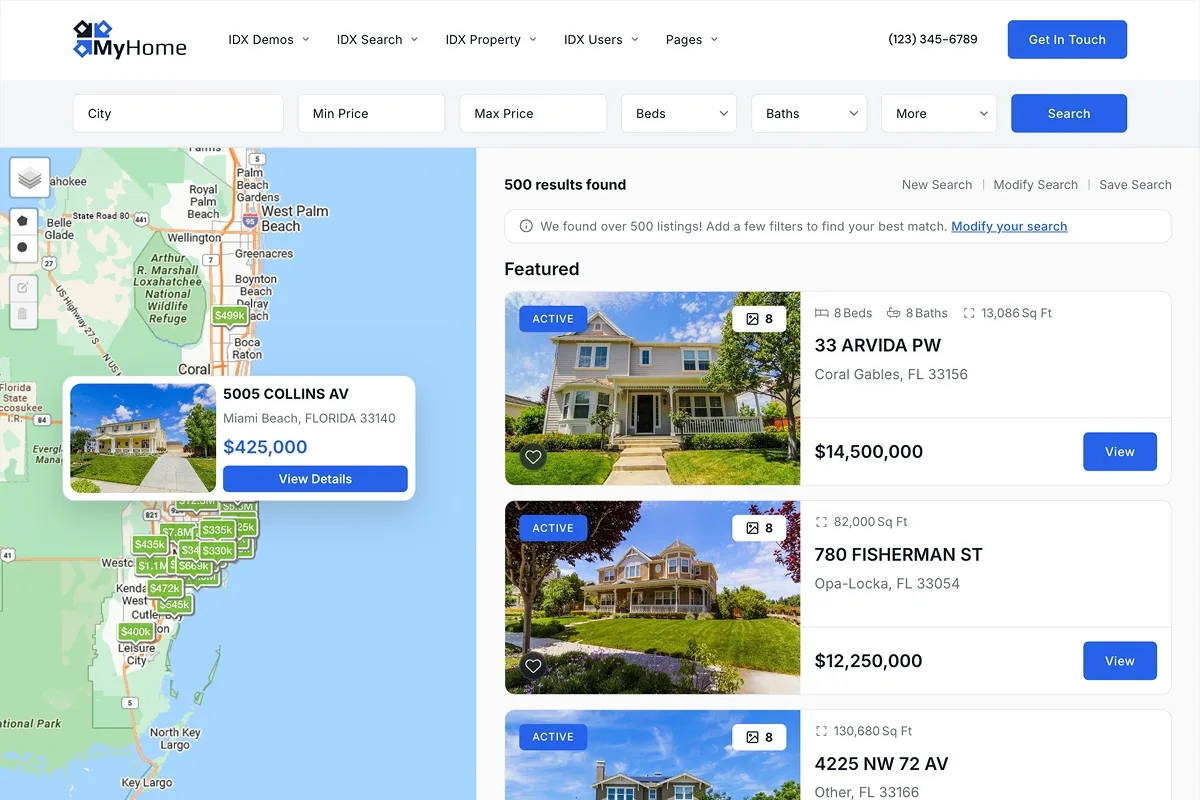
Widgets cover your own pages. The search itself, the results list and every single property page are generated by IDX Broker from your MLS access. A wrapper page puts your header and footer around them, and for the layout between them we publish our own templates into your IDX Broker account.
That is the last step of a complete setup, and the quickest one. You activate them page by page in a few minutes, after which everything, widgets and IDX pages alike, follows one design. See How Our IDX Broker Templates Work.
Pick the guide that matches your setup
Step-by-step guides cover the common paths. Start with the one that matches the editor you use. Building a new WordPress site from scratch? Consider the MyHome IDX Theme, which ships with IDX already wired in.
Setup guides
Common questions
Want it done for you?
Create a free IDX Plugin account and we will connect it to your WordPress site, styled to your colors and fonts. You only pay IDX Broker.
Get Started You only pay IDX Broker. The $100 setup fee is waived through us.