Advanced Settings in MyHome IDX
The theme texts, URL slugs, map provider, 404 page and Demo Importer switch.
Written by IDX Plugin, an independent IDX Broker Developer Partner, not affiliated with IDX Broker.
On this page
In short
- Reword any of the 55 texts the theme prints itself.
- Two URL slugs, and renaming one breaks the old addresses.
- Pick the map the theme draws; OpenStreetMap needs no key.
- Send 404 visitors to a page you choose.
Blog and Blog Post
Blog is the layout of your blog listing and Blog Post the layout of a single article, both Elementor templates. See Blog and Blog Post Templates in MyHome IDX.
Theme texts
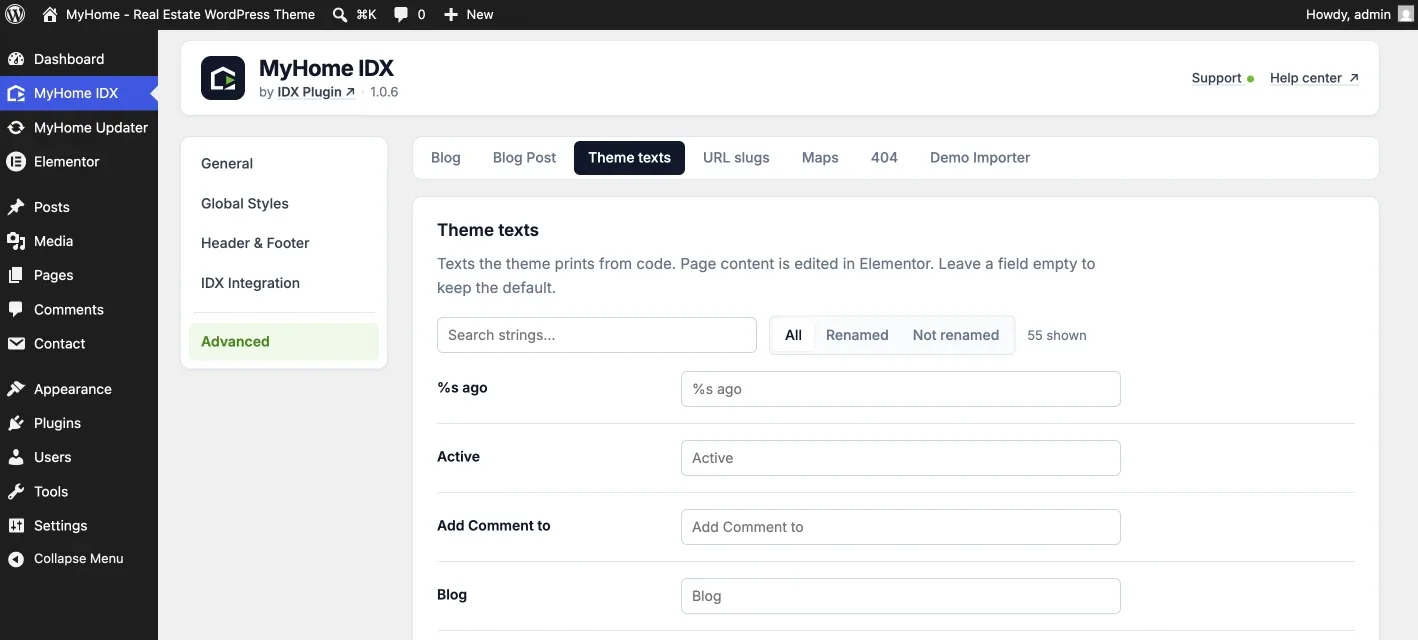
The words the theme prints from its own code rather than from your pages, form labels, the search box, the wording above a comment box. They sit on no page, so Elementor does not reach them. All 55 are on this one screen, the theme's wording on the left and your replacement on the right.
Type a word you can see on the site into the search box and the list narrows to it. The Renamed filter lists what you have already changed, and clearing a field brings the theme's own wording back. Some entries carry a %s, for example %s ago, and that placeholder has to survive your rewrite.
Wording inside search forms, listing cards and IDX Broker pages comes from your IDX Plugin account and your IDX Broker account, not from here.
URL slugs
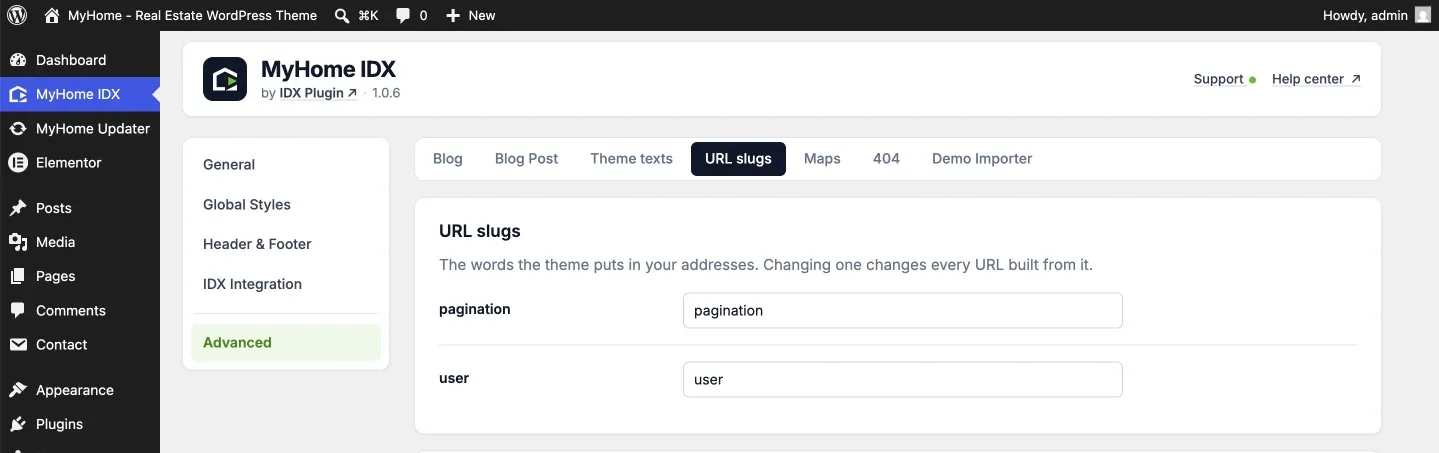
Two words the theme puts into addresses it builds, pagination and user. Rename one and every URL built from it changes with it, so the old addresses stop resolving.
Maps
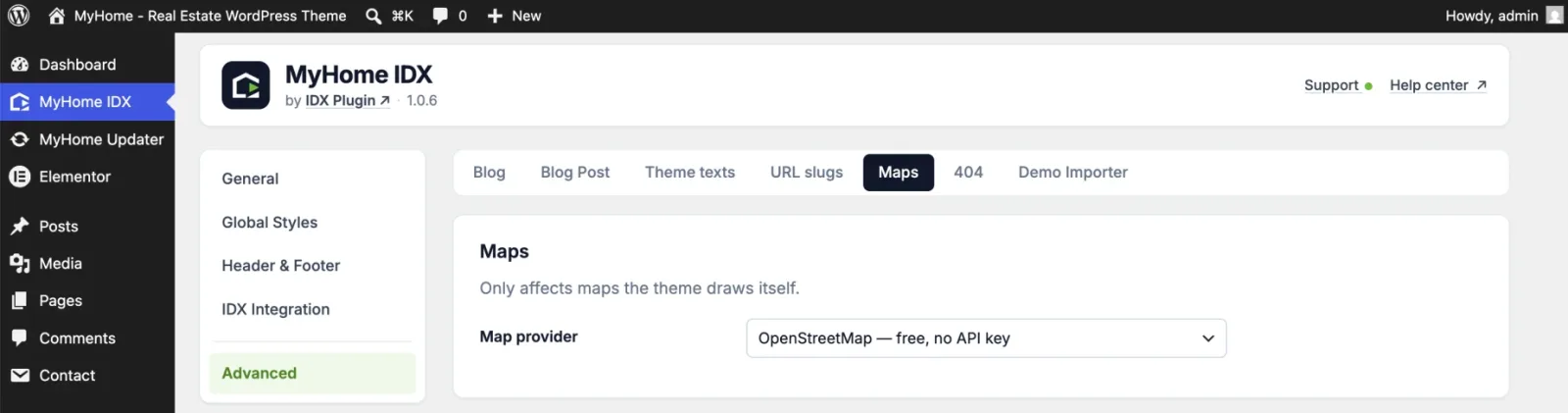
This picks the provider for the maps the theme itself draws. OpenStreetMap is the default and needs nothing from you. Google Maps requires your own Google Maps API key, which you paste into the field that appears once you pick it, along with a map language.
404
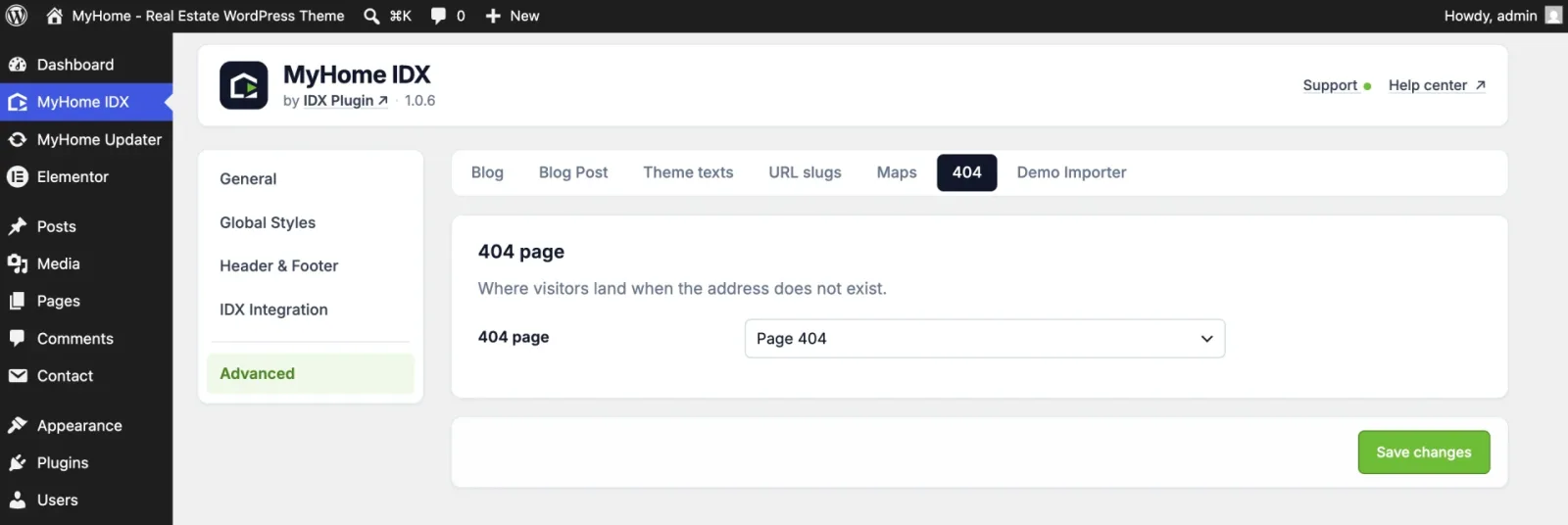
Which of your pages a visitor lands on when the address does not exist. The demo import creates a page called Page 404 and selects it, and you can point it at any other page.
Demo Importer
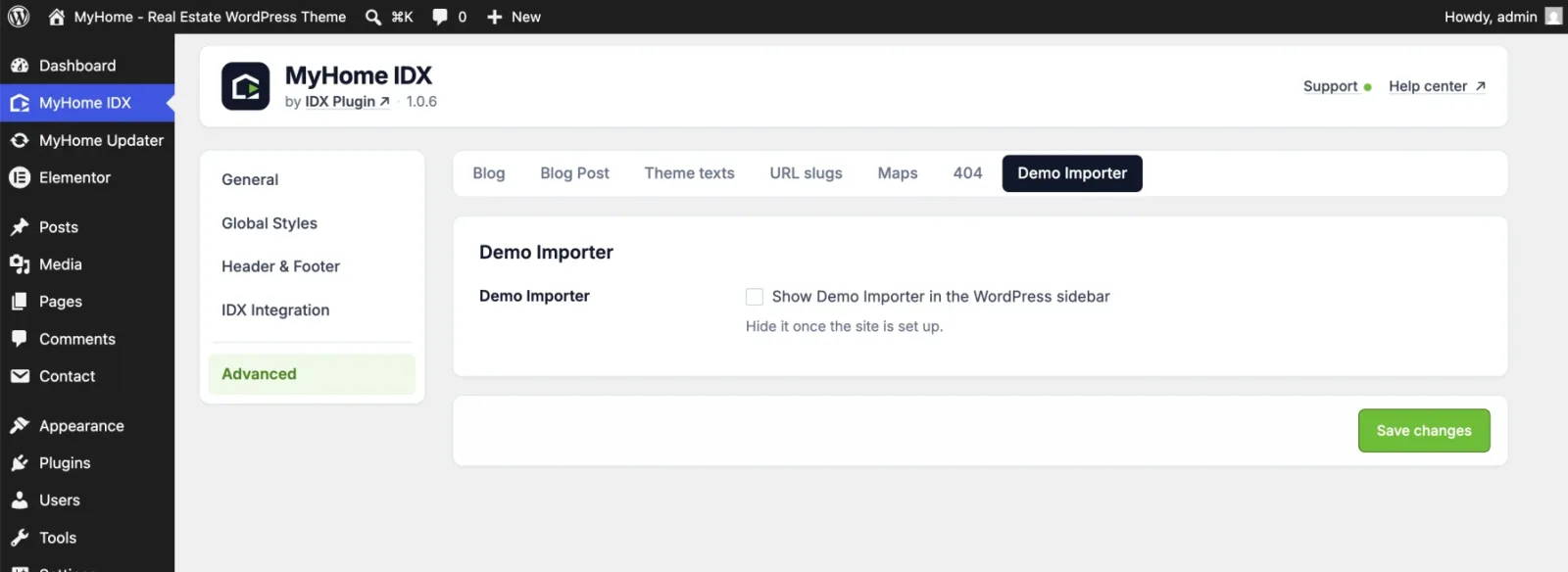
A single checkbox that shows or hides Demo Importer in the WordPress menu. Tick it again whenever you need the importer back.
Not sure what a setting here affects?
Send us an email and a developer picks it up from there. We will tell you what it changes, or make the change with you.
Contact support Support runs by email.