The MyHome IDX Panel, Screen by Screen
What each screen in the MyHome IDX panel does, and which ones appear only after connecting.
Written by IDX Plugin, an independent IDX Broker Developer Partner, not affiliated with IDX Broker.
On this page
In short
- Set your logo, contact details and social links on one screen.
- Edit the header and footer in Elementor, like any other design.
- Colors and fonts stay in Elementor; the panel links you there.
- Connect the site and three IDX screens join the panel menu.
Where it lives
The theme adds three entries to the WordPress menu. MyHome IDX is the panel, Demo Importer builds a starter site and MyHome Updater keeps the theme up to date.
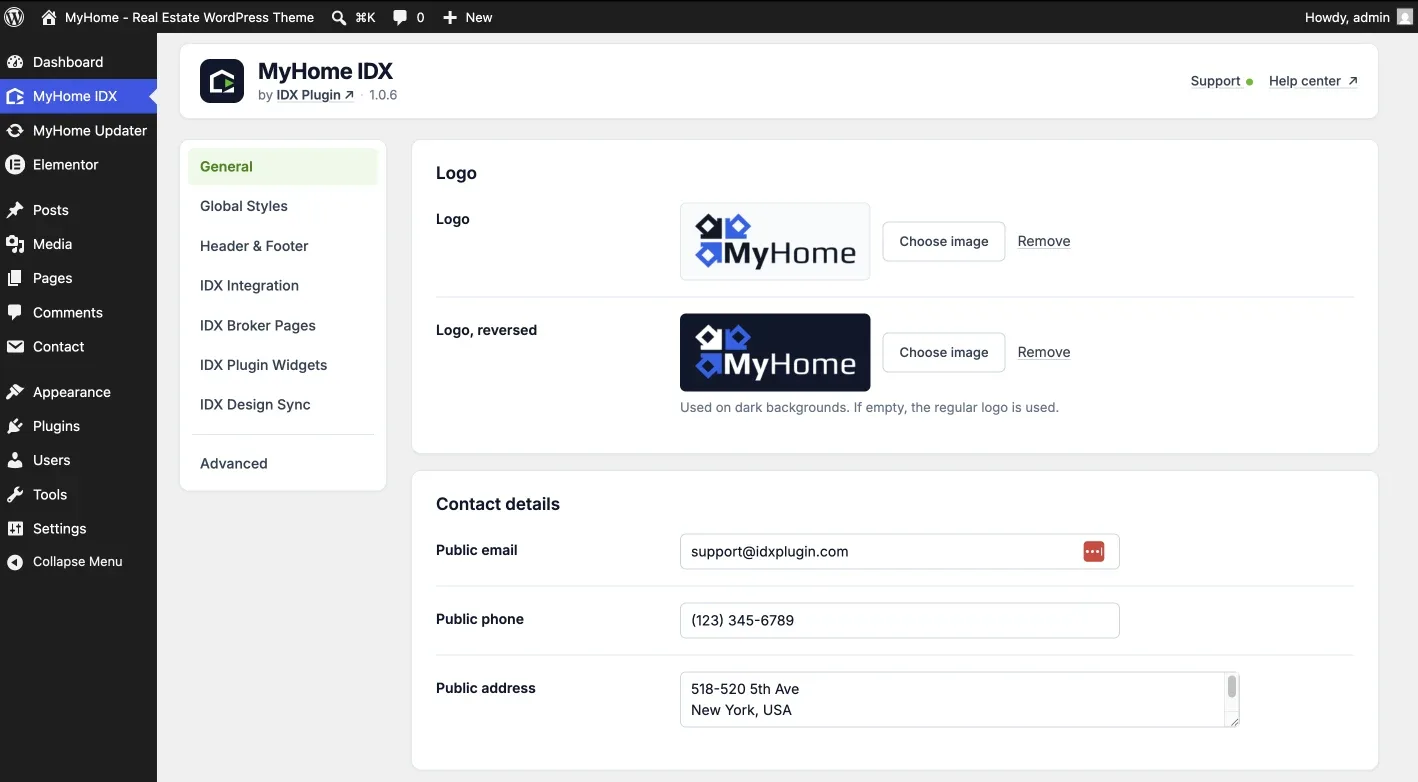
General
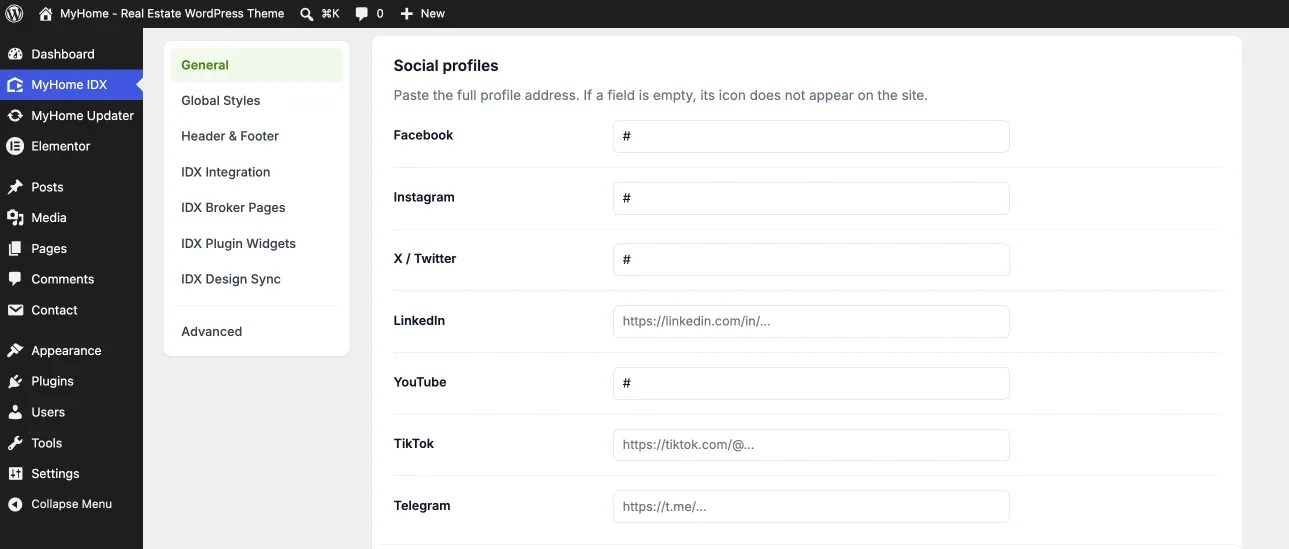
Logo and Logo, reversed feed the header and footer. The reversed one is for dark backgrounds and falls back to the regular logo when you leave it empty. Contact details print in the footer and in contact sections, and Social profiles take the full address of each profile.
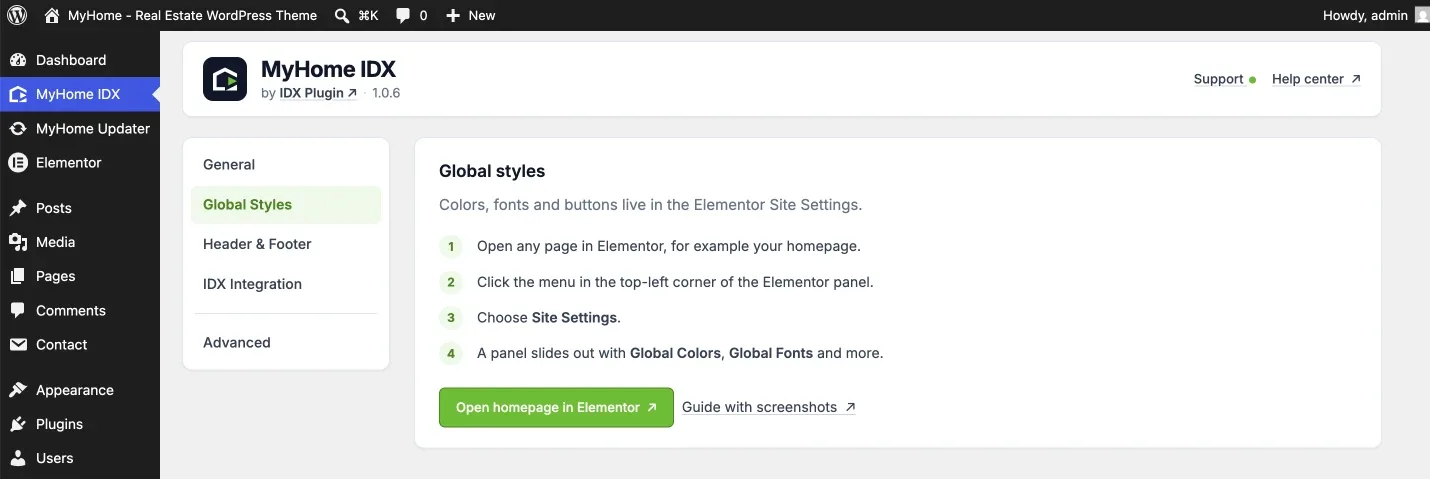
Global Styles
Colors, fonts, spacing and buttons live in Elementor's Site Settings, and this screen is the shortcut there. See Global Settings in MyHome IDX, and How They Reach IDX.
Header & Footer
Your header and footer are a layout, edited in Elementor like any other design. This screen lists your layouts, marks the default and duplicates one. See Header and Footer Layouts in MyHome IDX.
The IDX screens
Before the site is connected there is one IDX screen, IDX Integration. Connect the site and three more appear under it.
| Screen | What it is for |
|---|---|
| IDX Integration | The connection between this site and your IDX Plugin account. |
| IDX Broker Pages | Which template each IDX Broker page uses, and which layout wraps them. See Your IDX Broker Pages in MyHome IDX. |
| IDX Plugin Widgets | Your search forms and listing widgets, with a preview of each. See Add IDX Plugin Widgets to Your Pages. |
| IDX Design Sync | Sends your Elementor design over to IDX Plugin. See Global Settings in MyHome IDX. |
Advanced
Advanced sits below a separator at the bottom of the menu and holds the settings a site touches once or never. See Advanced Settings in MyHome IDX.
Support and the help center
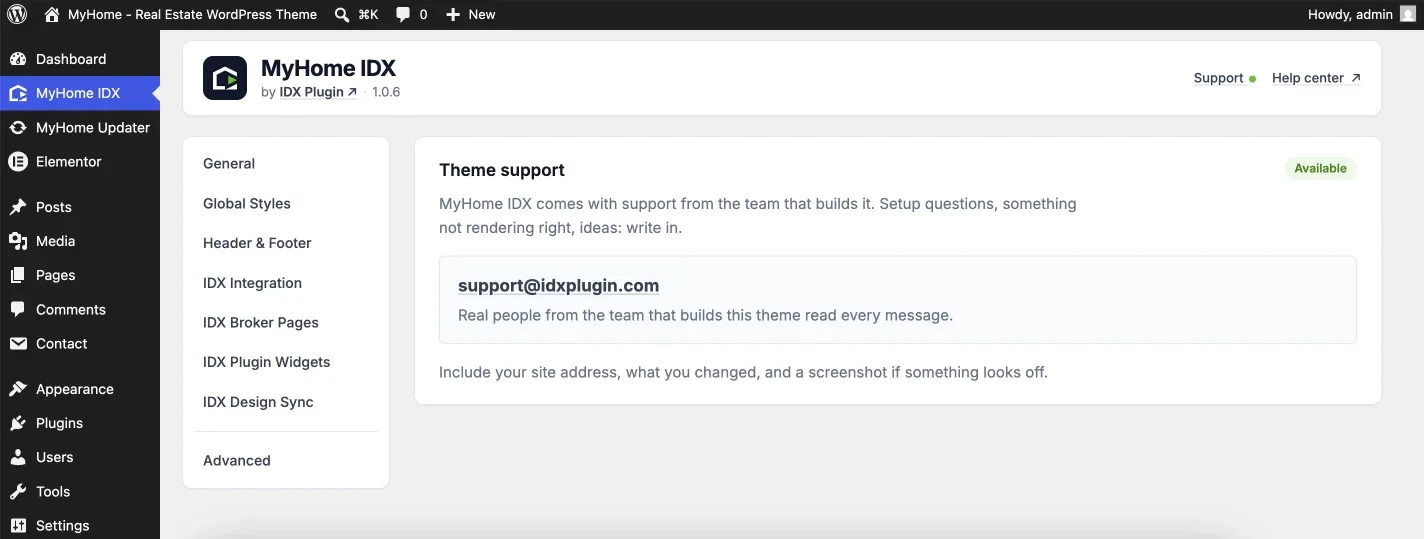
Help center and Support, top right, are not settings. Support opens the address to write to and what to include, your site address, what you changed and a screenshot.
Not sure which screen you need?
Describe what you want to change on the site and we will point you at the setting, or make the change with you. It comes with your IDX Broker account.
Contact support Support runs by email.