Your IDX Broker Pages in MyHome IDX
The panel screen that tells you which template each IDX Broker page should use, and which of your layouts wraps them all.
Written by IDX Plugin, an independent IDX Broker Developer Partner, not affiliated with IDX Broker.
On this page
In short
- Give your IDX Broker pages your own header, footer and menu.
- One checkbox applies your Global Styles to the built-in templates.
- Check each page against the template it should be using.
- Changes show after you clear the IDX Broker cache in the panel.
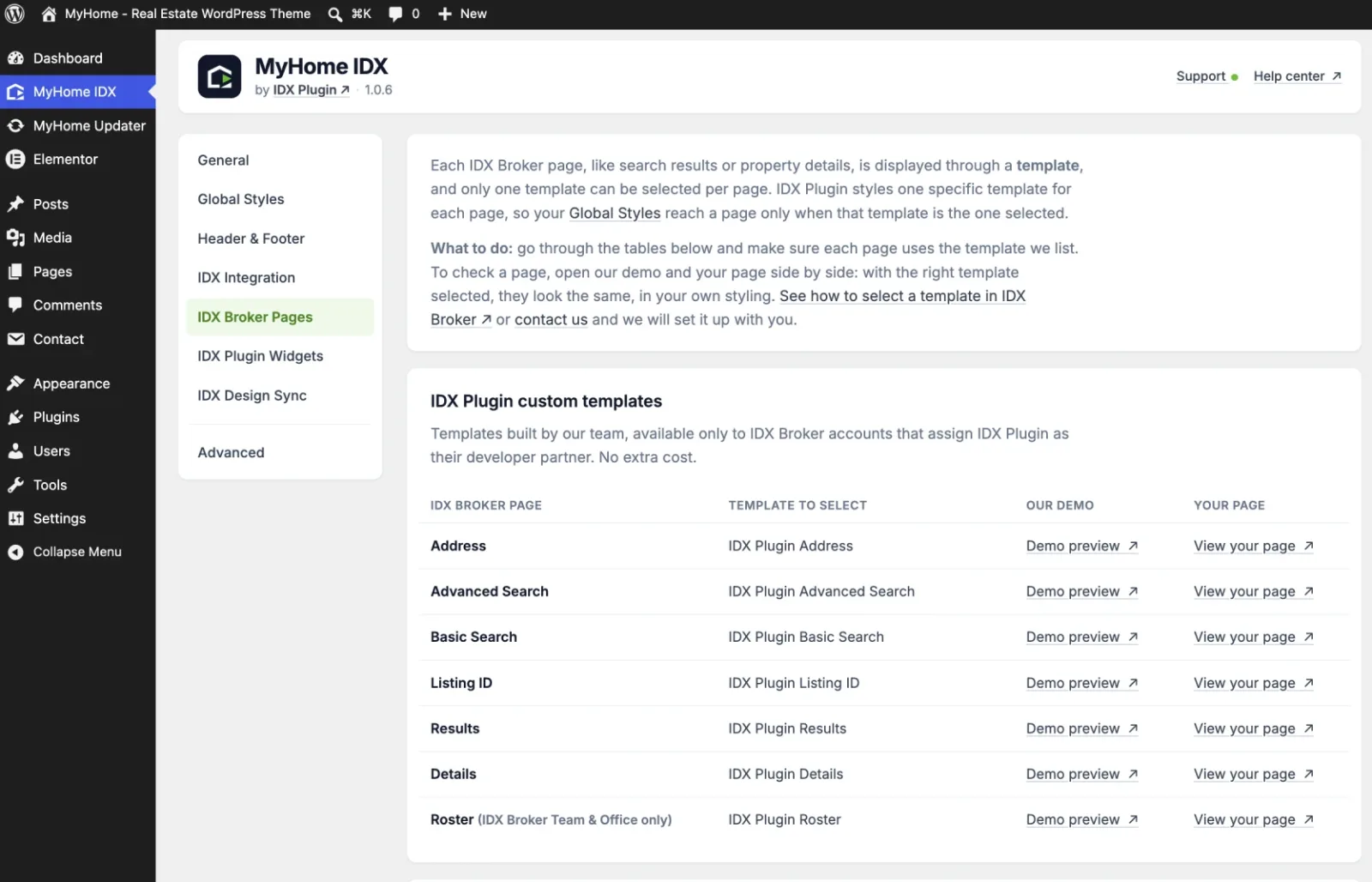
Search results, property details, advanced search and the rest are pages in your IDX Broker account, and each one displays through a single template. We style one specific template per page, so your design reaches a page only when that page has the right template selected. The IDX Broker Pages screen lists every page next to the template it should be using, with a link to our demo and a link to your own page.
The templates we build
These appear in your IDX Broker account once it names IDX Plugin as its developer partner. If the list in IDX Broker looks shorter than the one here, that is almost always the reason, and Assign Us as Your IDX Broker Developer Partner walks through it.
| IDX Broker page | Template to select |
|---|---|
| Address | IDX Plugin Address |
| Advanced Search | IDX Plugin Advanced Search |
| Basic Search | IDX Plugin Basic Search |
| Listing ID | IDX Plugin Listing ID |
| Results | IDX Plugin Results |
| Details | IDX Plugin Details |
| Roster | IDX Plugin Roster |
Roster only exists on IDX Broker Team and Office accounts, so on a single-agent plan you will not see it.
The pages IDX Broker templates itself
These pages come with templates from IDX Broker and we style them to match the rest of your site. Leave Apply my Global Styles to the templates below ticked and they take your colors, fonts and buttons. See Style Built-In IDX Broker Templates with Global Styles.
| IDX Broker page | Template to select |
|---|---|
| Mortgage Calculator | precisionListingsMortgage |
| Contact | precisionListingsContact |
| Home Valuation | precisionListingsContact |
| More Info | precisionListingsContact |
| Schedule Showing | precisionListingsContact |
| My Account | My Listings Manager |
| User Login | Mobile Responsive Login |
| User Signup | Mobile Responsive Signup |
| Browse by City | Default, nothing to select |
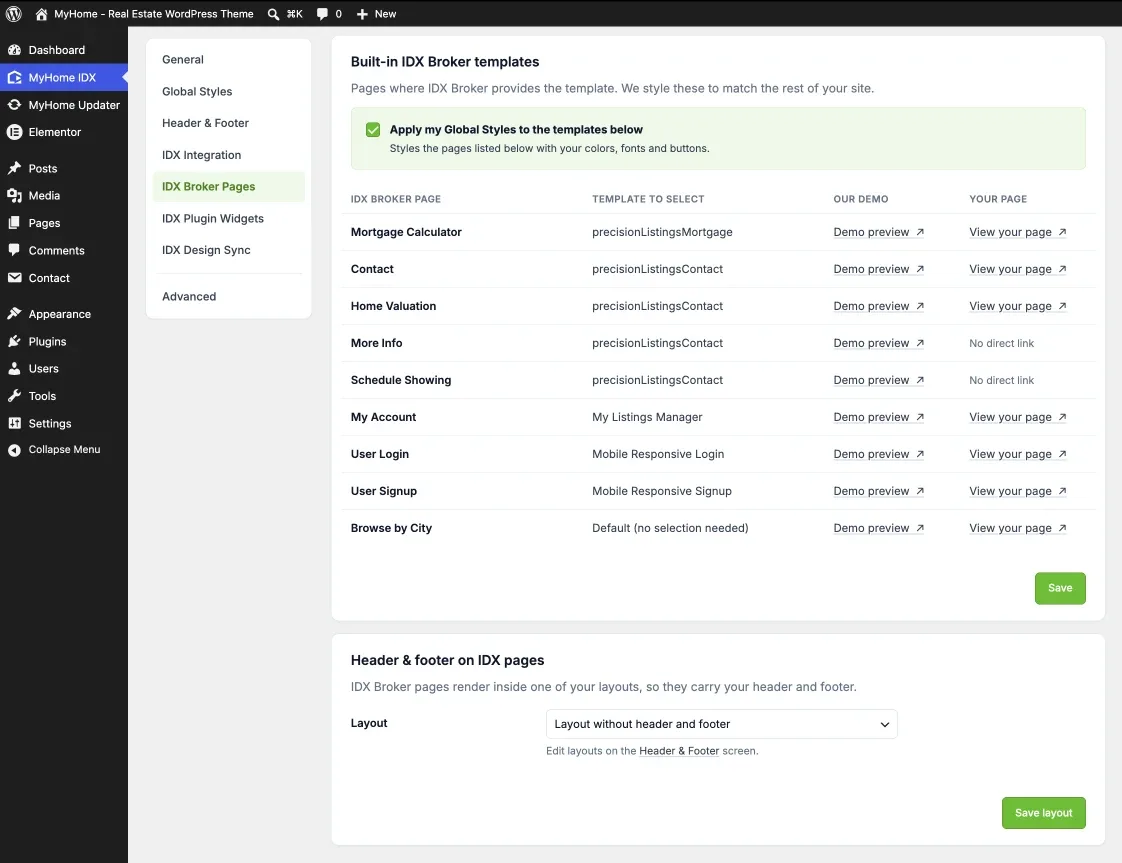
More Info and Schedule Showing have no link in the table. They open only from inside a listing, so open any property and use the buttons on it.
Your header and footer on IDX pages
Header & footer on IDX pages, at the bottom of the screen, decides which of your layouts the IDX Broker pages render inside. Point it at your normal layout and every IDX page carries the same header, menu and footer as the rest of the site. See Header and Footer Layouts in MyHome IDX.
Check a page
Open Demo preview and View your page from the same row, in two tabs. With the right template selected they show the same page in two styles, yours and ours. If your version looks structurally different, fix the template selection in IDX Broker, not your design settings.
We can set the templates with you
Ask us and we go through your IDX Broker account with you and select the template on every page. It comes with your IDX Broker account, at no extra cost.
Contact support Support runs by email.